The controller key
Where the signing key lives, and how to check it.
How you got here: Desktop app 1. Create the controller key
Show previous steps 2
Install 1
- Desktop app
Download the desktop app for your OS and open it.
The macOS zip holds Jumpgate.app and Jumpgate Terminal.app; Windows has jumpgate-tray.exe and jumpgate.exe; Linux has install.sh. Every download carries both Linux agents.
Show image
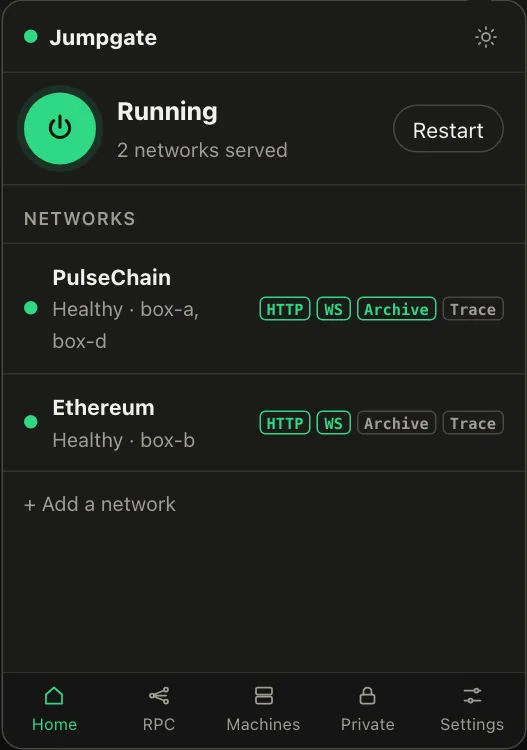
Illustration from the jumpgate.app demo, with made-up boxes; not a screenshot of the app.
Getting started 1
- 1. Create the controller key
Create the key that signs every command to your boxes.
jumpgate keys init stores it in the Keychain, Credential Manager, Secret Service, 1Password or an owner-only file. It never leaves your computer.
Show image
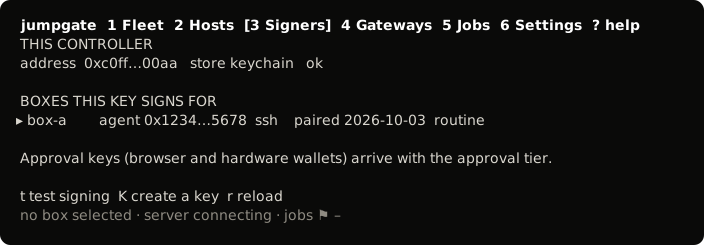
The TUI, from its test snapshot; empty rows removed.
Every command to a box is signed by your controller key, kept in the macOS Keychain, Windows Credential Manager, Secret Service, 1Password or an owner-only file. jumpgate keys show prints the key's address and flags it if it differs from the one on record.