Desktop app
Download the desktop app for your OS and open it.
How you got here: this is a starting point; it needs nothing before it.
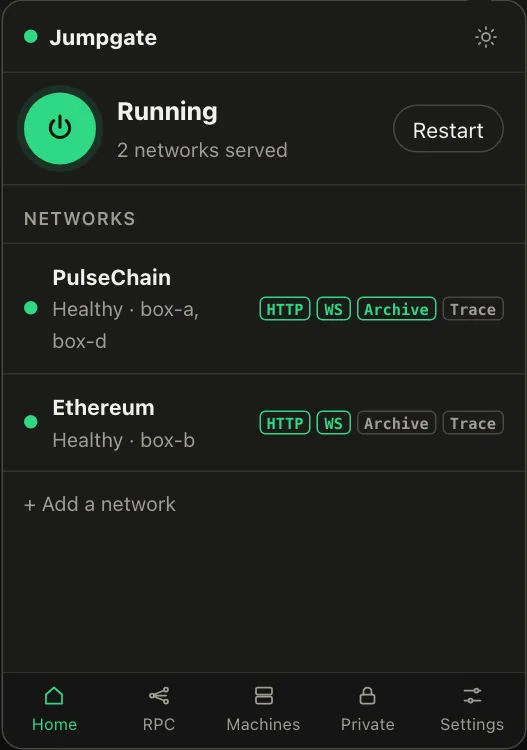
- macOS:
Jumpgate-macos-arm64.zipfor Apple silicon,Jumpgate-macos-amd64.zipfor Intel. Unzip it forJumpgate.app(a window and a menubar icon) andJumpgate Terminal.app(opens a terminal running jumpgate). Drag them to Applications. - Windows:
jumpgate-windows-amd64.zip.jumpgate.exeis the console program: double-click it, or run it from a terminal.jumpgate-tray.exeis the window with a notification icon; it needs the Microsoft Edge WebView2 Runtime, which Windows 11 includes. AREADME.txtis inside. - Linux:
jumpgate-linux-amd64.tar.gzorjumpgate-linux-arm64.tar.gz. Extract it, go into its folder and run./install.shfor a per-user install under~/.localwith two menu entries: "Jumpgate" for a terminal and "Jumpgate (window)" for the desktop panel../install.sh --uninstallremoves exactly what it installed.