Verify a download
Check a download against checksums.txt or its attestation.
How you got here: Desktop app
Show previous steps 1
Install 1
- Desktop app
Download the desktop app for your OS and open it.
The macOS zip holds Jumpgate.app and Jumpgate Terminal.app; Windows has jumpgate-tray.exe and jumpgate.exe; Linux has install.sh. Every download carries both Linux agents.
Show image
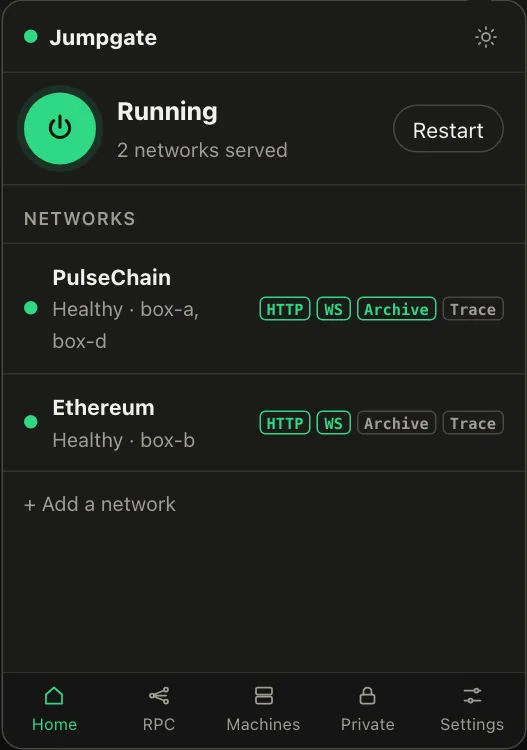
Illustration from the jumpgate.app demo, with made-up boxes; not a screenshot of the app.
checksums.txt on the release lists a SHA-256 for every archive, desktop bundle and agent. Each file also carries a build-provenance attestation:
gh attestation verify <file> --repo jumpgate-tech/jumpgate-app